

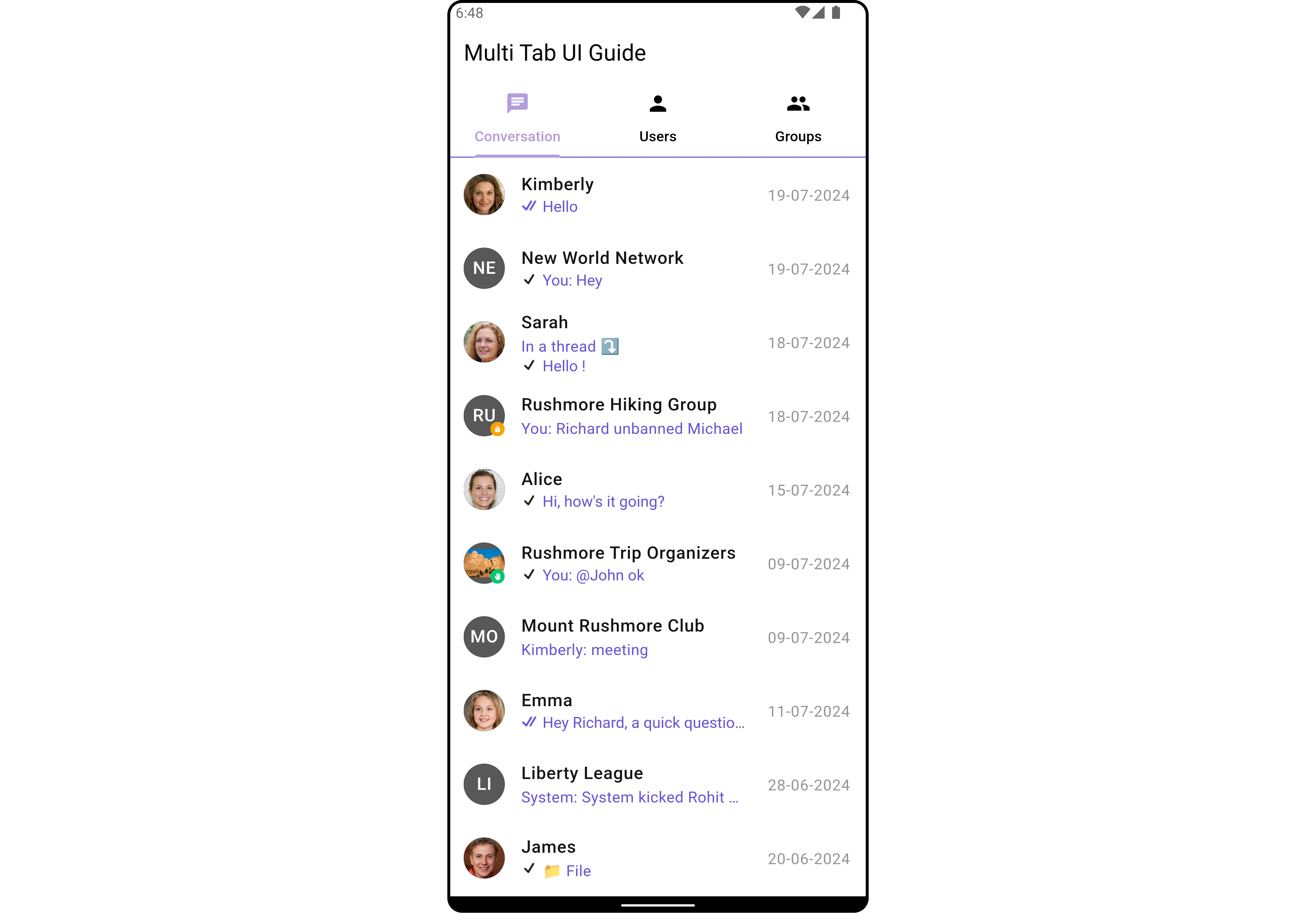
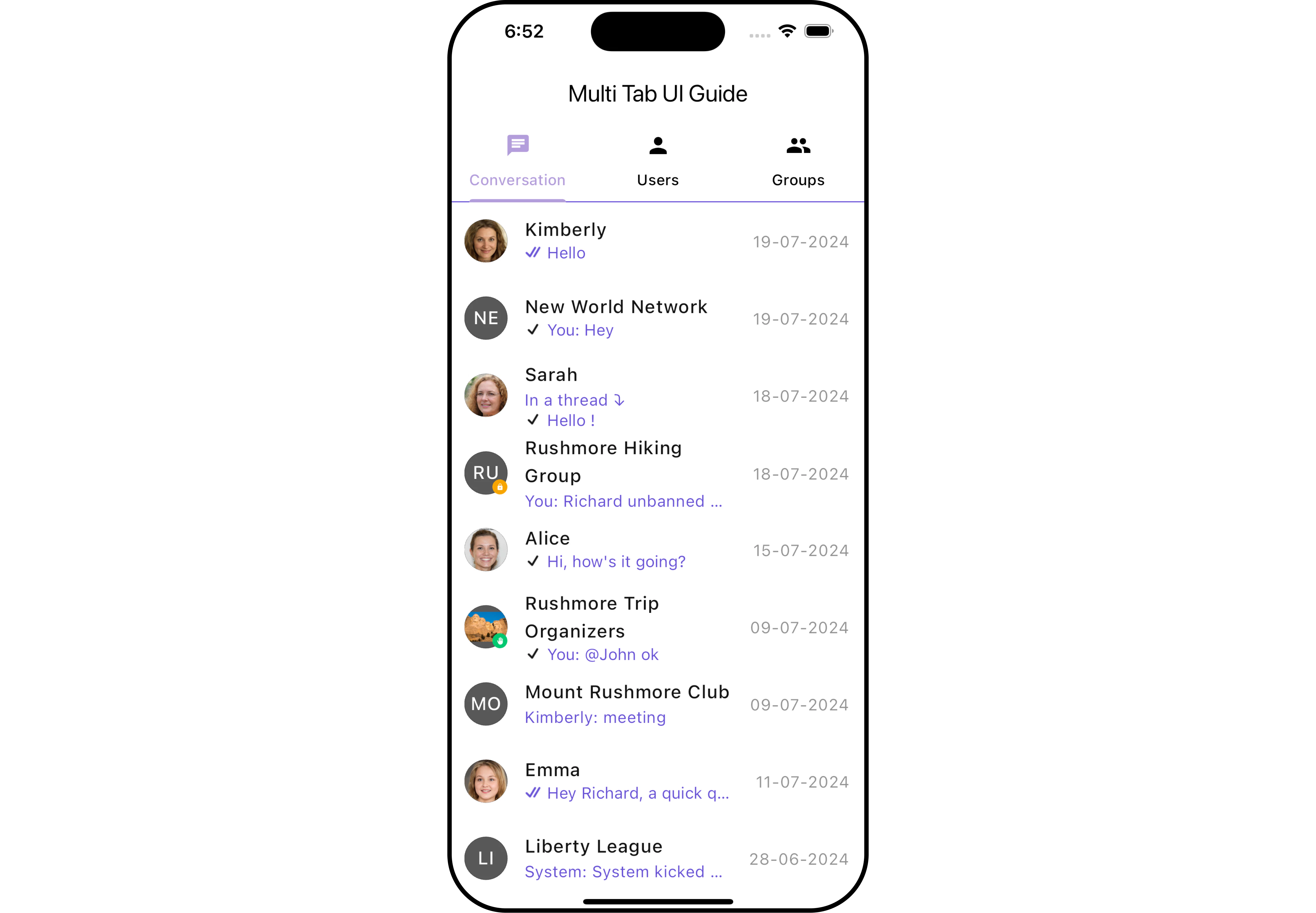
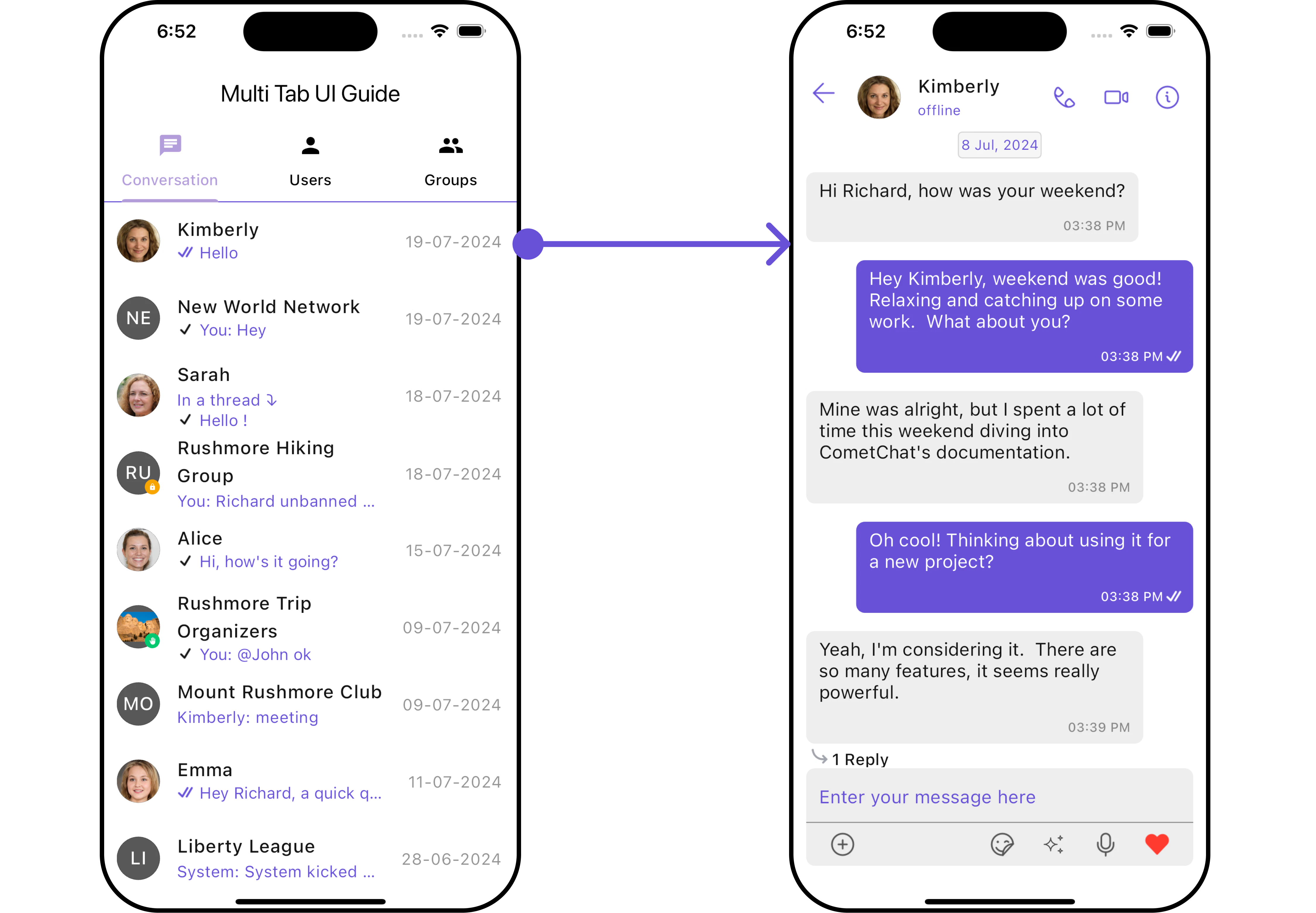
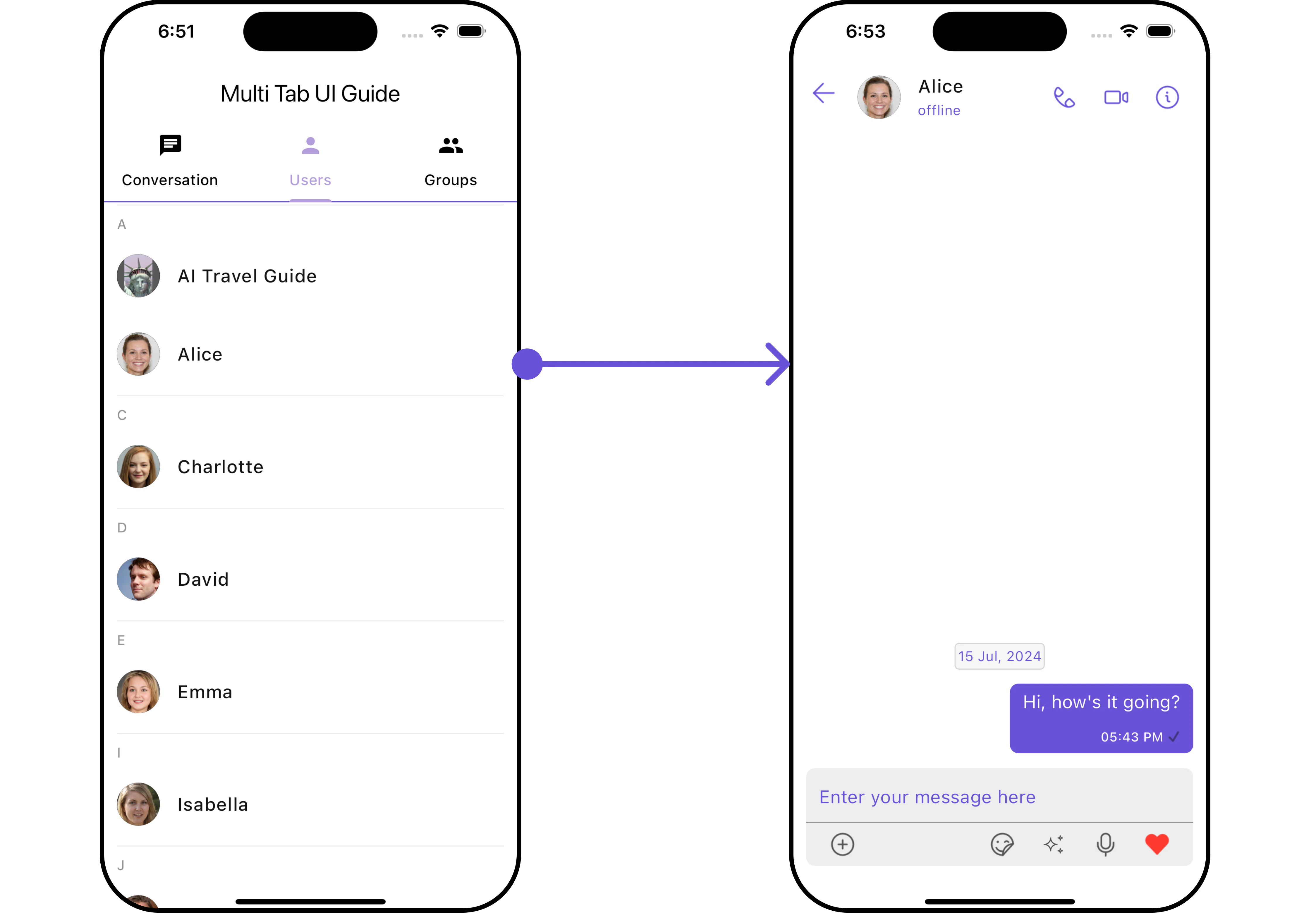
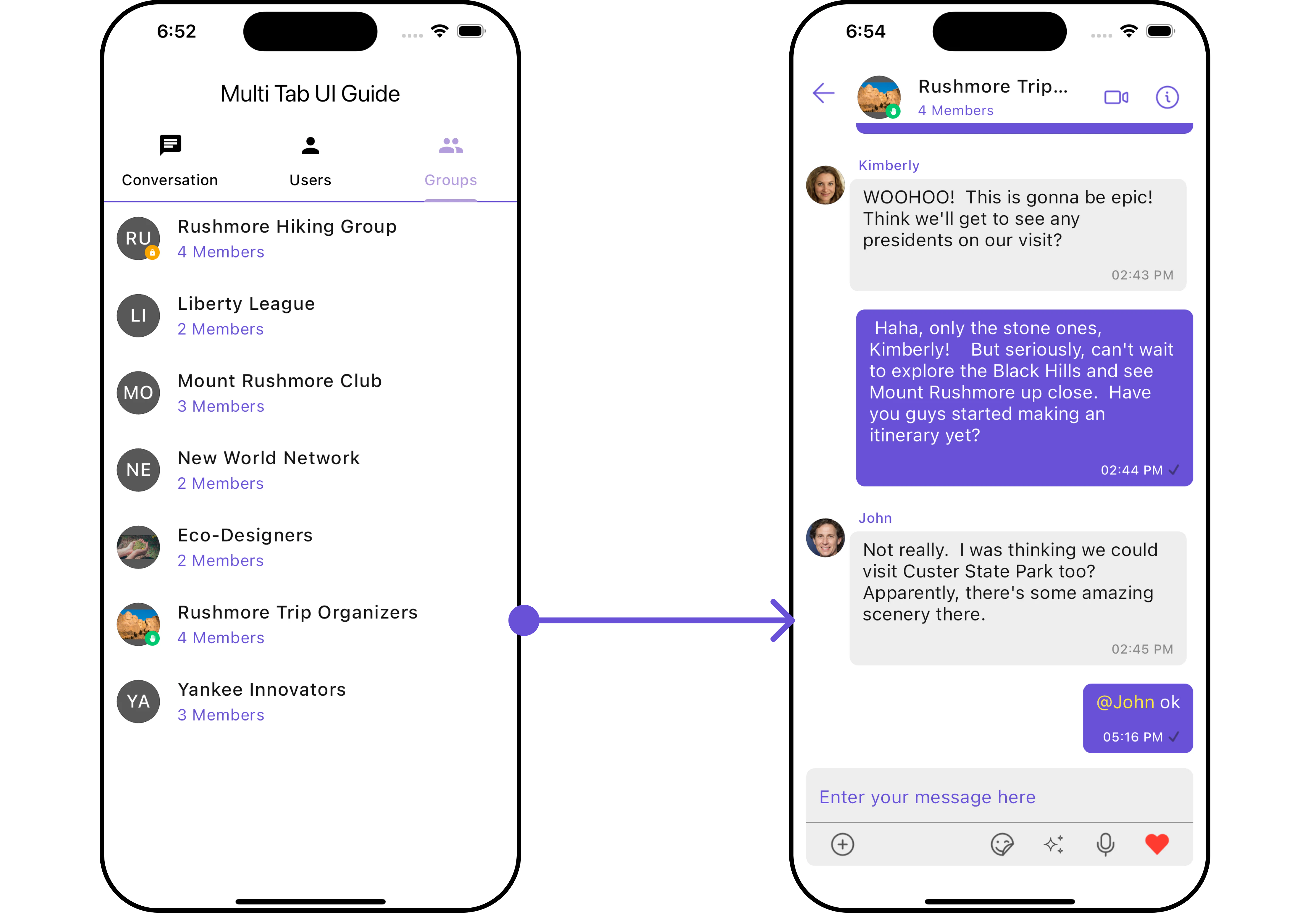
This guide will help you create a multi-tab chat user interface using the cometchat_chat_uikit package in Flutter. The final UI will consist of three tabs: Conversations, Users, and Groups.
- Android (Overview)
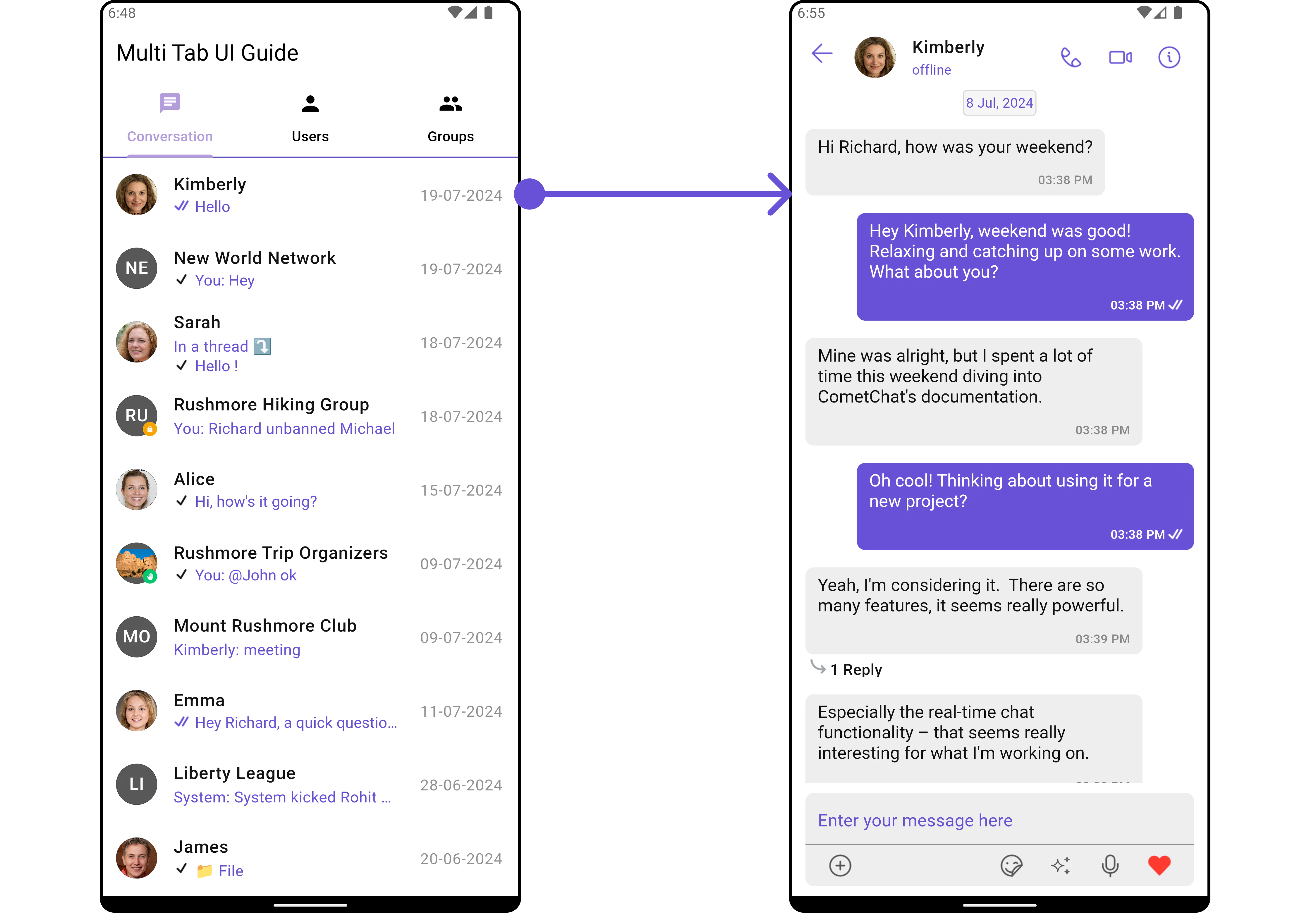
- Android (Conversations)
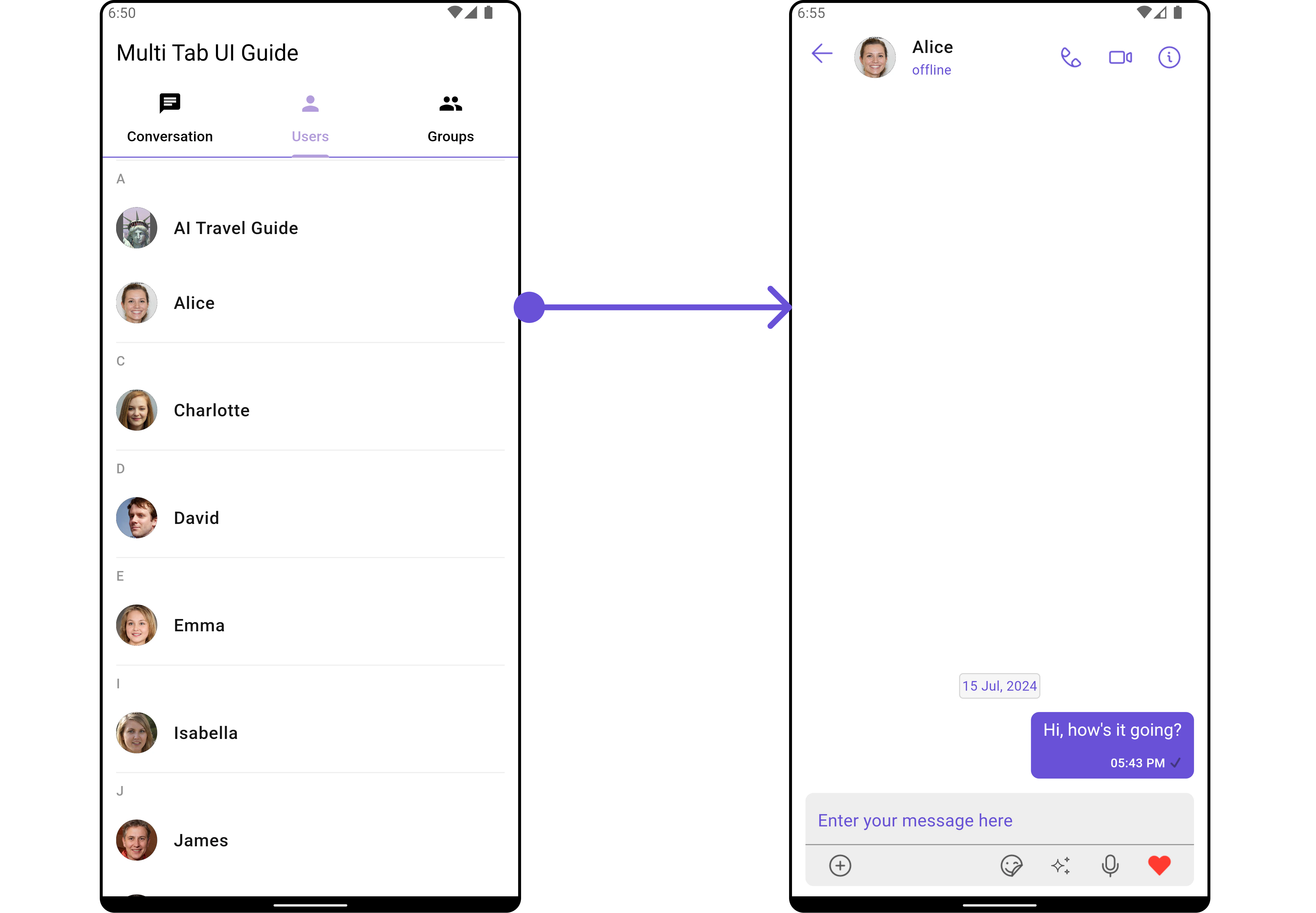
- Android (Users)
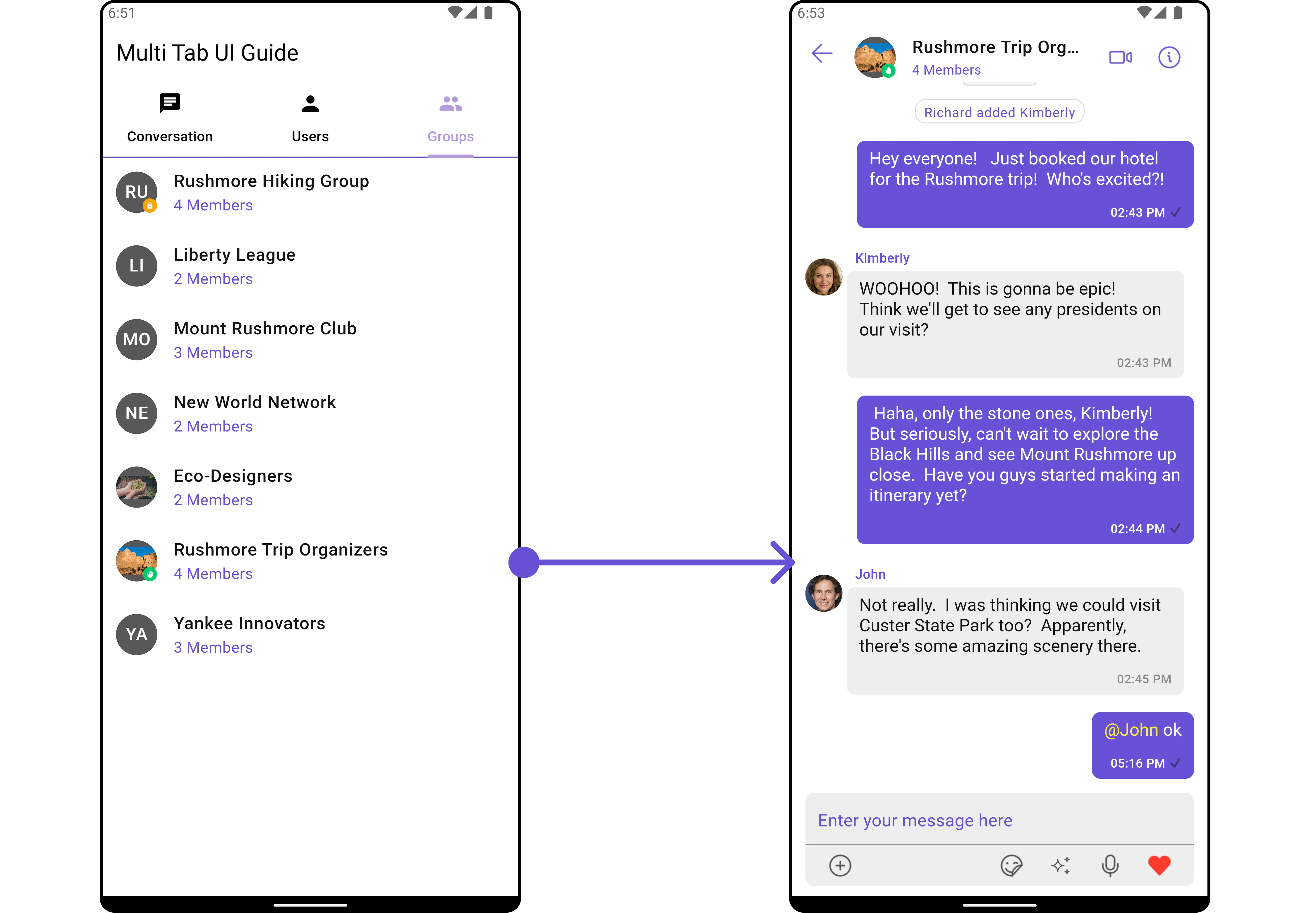
- Android (Groups)
- iOS (Overview)
- iOS (Conversations)
- iOS (Users)
- iOS (Groups)
Create the Multi-Tab Chat UI:
Update yourlib/multi_tab_chat_ui_guid.dart file with the following code:
- Dart
Next Steps
Conversations
Display and manage conversation lists
Users
Browse and select users
Groups
Manage group conversations
Getting Started
Set up and initialize the UI Kit