

Quick Reference for AI Agents & DevelopersKey Components:
CometChatMessageList→ DocsCometChatMessageComposer→ DocsCometChatMessageHeader→ DocsCometChatAIAssistantChatHistory→ DocsCometChatAiAssistantBubbleStyle→ AI bubble stylingAIConstants.aiRole→ AI role constant
- AI Assistant Chat History
- Chat History Management
- Contextual Responses
- Agent Detection
- Seamless Handoffs
Overview
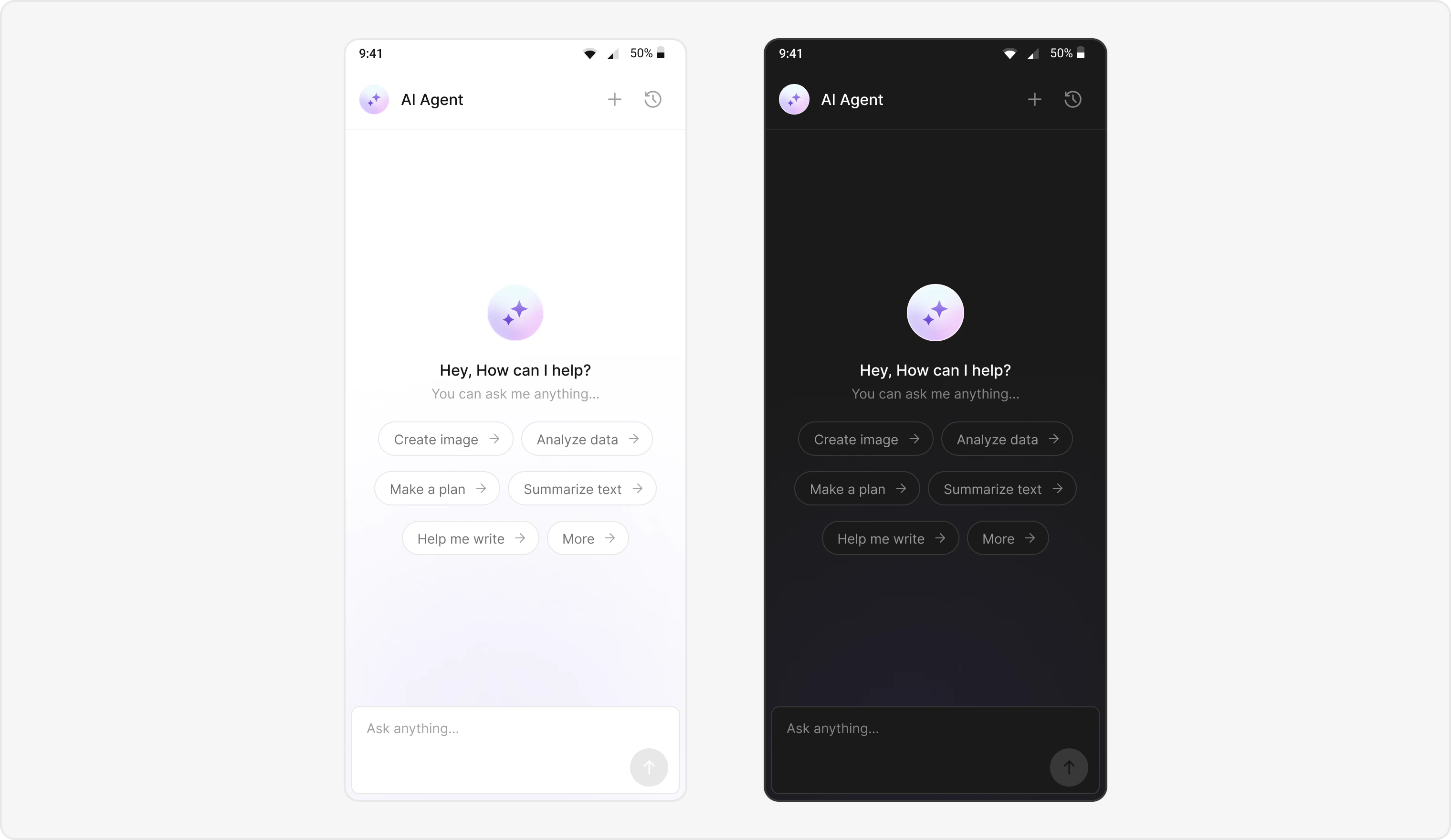
Users can interact with AI agents through a dedicated chat interface that:- Provides intelligent responses based on conversation context.
- Maintains chat history for continuity.
- Seamlessly integrates with your existing user chat system.
Prerequisites
- CometChat UIKit for Flutter installed via
pubspec.yaml - CometChat initialized with
App ID,Region, andAuth Key - Message chat enabled in your CometChat app
- Navigation set up between message and user/group screens
- Internet permissions
Components
| Component/Class | Role |
|---|---|
CometChatMessageHeader | Manages message interactions and state |
CometChatMessageList | Displays a list of messages |
CometChatMessageComposer | Composes and sends new messages |
CometChatAIAssistantChatHistory | Displays previous AI conversation history. |
Integration Steps
Step 1 - Screen Setup
Create a screen for AI Assistant chat usingCometChatMessageHeader, CometChatMessageList, and CometChatMessageComposer.
- Dart
Step 2 - Chat History Screen
Create a screen for AI Assistant chat history using CometChatAIAssistantChatHistory. Add the following code inside your widget to navigate to the chat history screen when the user taps a button or icon.- Dart
- Browse their previous AI chat sessions.
- Resume a previous conversation (onMessageClicked).
- Start a new chat session (onNewChatButtonClicked).
- Close the chat history view (onClose).
Step 3 - Custom Styles
Define custom styles for AI chat bubbles and the composer by using a ThemeExtension (CometChatAiAssistantBubbleStyle).- Dart
Implementation Flow Summary
| Step | Action |
|---|---|
| 1 | User selects AI agent from chat list |
| 2 | AIAssistantChatScreen launches |
| 3 | Parse User data and detect agent chat (Role of user must be “@agentic”) |
| 4 | Initialize UI with AI-specific styling |
| 6 | Configure chat history and navigation |
| 7 | Launch chat with AI agent |
Customization Options
- Custom AI Assistant Empty Chat View: Customize the empty state view using
emptyStateView. - Streaming Speed: Adjust AI response streaming speed via
streamingSpeed. - AI Assistant Suggested Messages: Create custom list of suggested messages and set quick prompts using
suggestedMessages. - AI Assistant Tools: Set tools for the AI agent using
setAiAssistantToolscallback.
Feature Matrix
| Feature | Implementation | UI Component |
|---|---|---|
| AI Chat | AIAssistantChatScreen | Full chat screen |
| Chat History | CometChatAIAssistantChatHistory | Chat history screen |
Next Steps
AI Features
Explore all AI-powered features
Message List
Learn about message display and management
Message Composer
Compose messages with AI assistance
All Guides
Explore other implementation guides