

Quick Reference for AI Agents & DevelopersCollaboration Features:
- Collaborative Document → Real-time shared document editing
- Collaborative Whiteboard → Visual brainstorming and drawing
- Disappearing Messages → Auto-delete messages after set time
- MessageComposer - Access collaboration tools via Action Sheet
- MessageList - Display collaboration messages
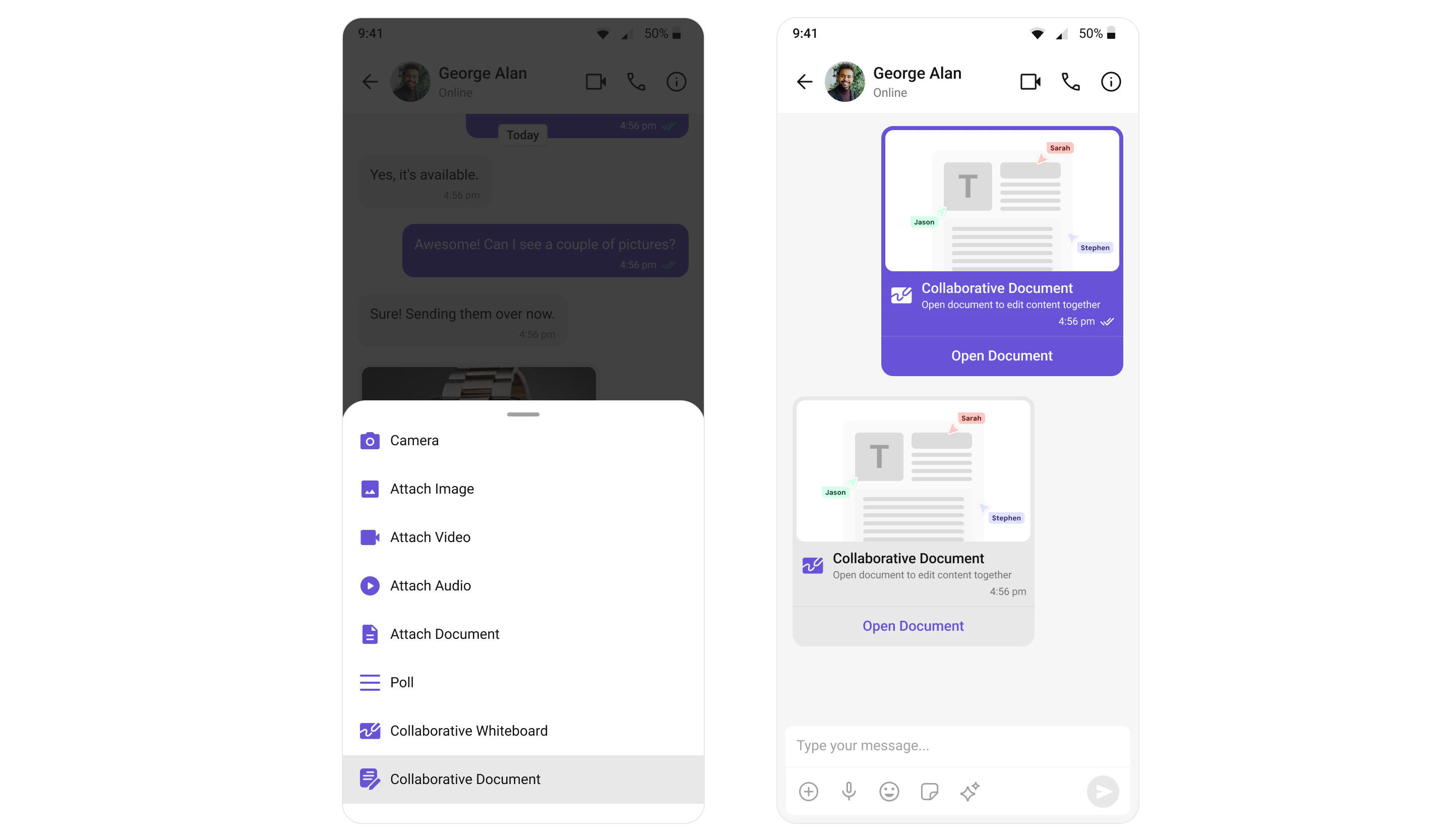
Collaborative Document
Create and share documents for real-time collaboration within conversations. Multiple users can edit the same document simultaneously, making it perfect for remote teams and collaborative workflows.| Feature | Description |
|---|---|
| Real-time Editing | Multiple users can edit the document simultaneously |
| Version History | Track changes and revert to previous versions |
| In-Chat Access | Access documents directly from the chat interface |
Collaborative Whiteboard
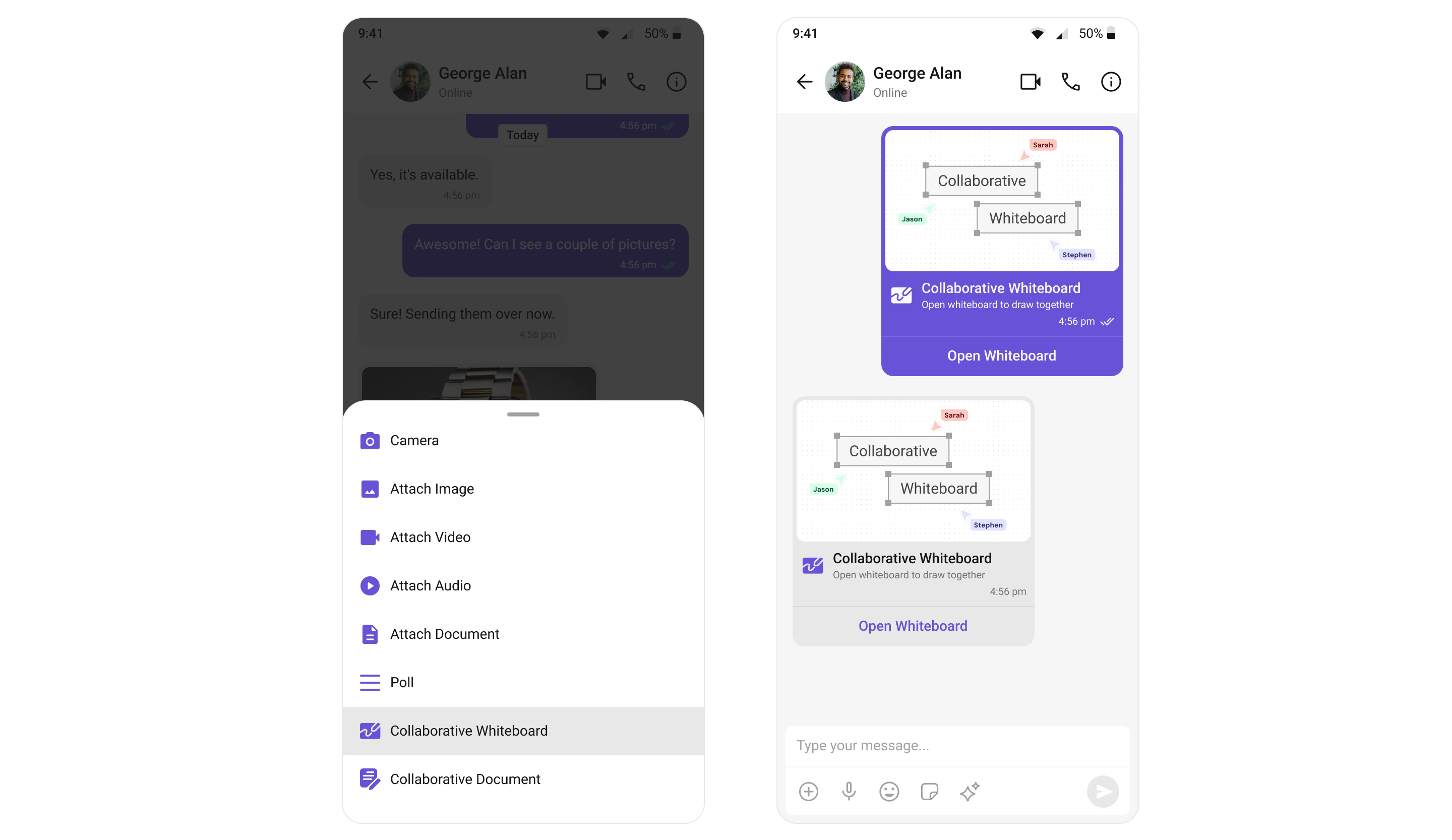
Create and share whiteboards for visual collaboration and brainstorming. Users can draw, annotate, and share ideas on a shared digital canvas in real-time.| Feature | Description |
|---|---|
| Real-time Drawing | Multiple users can draw simultaneously |
| Annotation Tools | Add text, shapes, and highlights |
| Export Options | Save whiteboards as images |
Disappearing Messages
Allow end-users to send messages that disappear after a certain interval of time. This feature is ideal for sensitive conversations where message privacy is important.| Feature | Description |
|---|---|
| Auto-Delete | Messages automatically delete after set time |
| Configurable Timer | Set custom disappear intervals |
| Privacy Focused | Ideal for sensitive conversations |
Enabling Collaboration Tools
To enable collaboration tools in your Flutter app, ensure extensions are configured during initialization:- Dart
Collaboration tools must be enabled from your CometChat Dashboard before they appear in your app.
Next Steps
Extensions
Explore all available chat extensions
Message Composer
Learn how collaboration tools integrate with the composer
Third-Party Integrations
Connect with external platforms like Chatwoot and Intercom
AI Features
Explore AI-powered chat capabilities